
Survey and inventory
Build a living tree register with species, dimensions, condition, photos, notes and inspection history—all captured once and ready to use again.
The tree inventory platform for arborists
Canopy turns field surveys into a living tree inventory—photos, measurements, condition, works, priorities and reports all connected. Add AIA mapping when the project needs it.

Tree surveys • Inventories • Field reports

Live on Google Play
Install the Android app for tree surveys, inspections, maps, photographs and client-ready reports.
 Scan to install
Canopy in the field
Plot trees. Assess health, safety and structure on-the-fly.
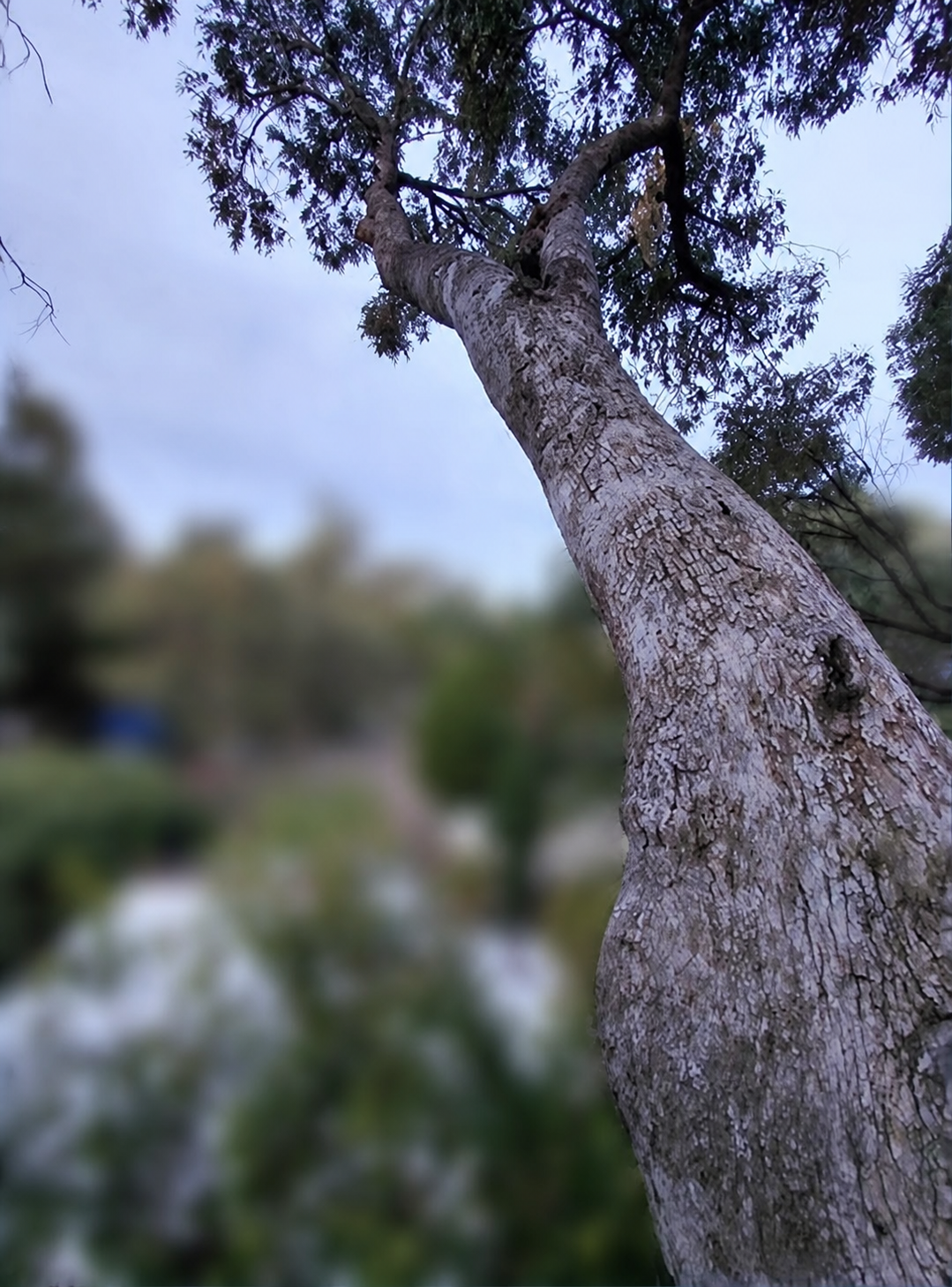
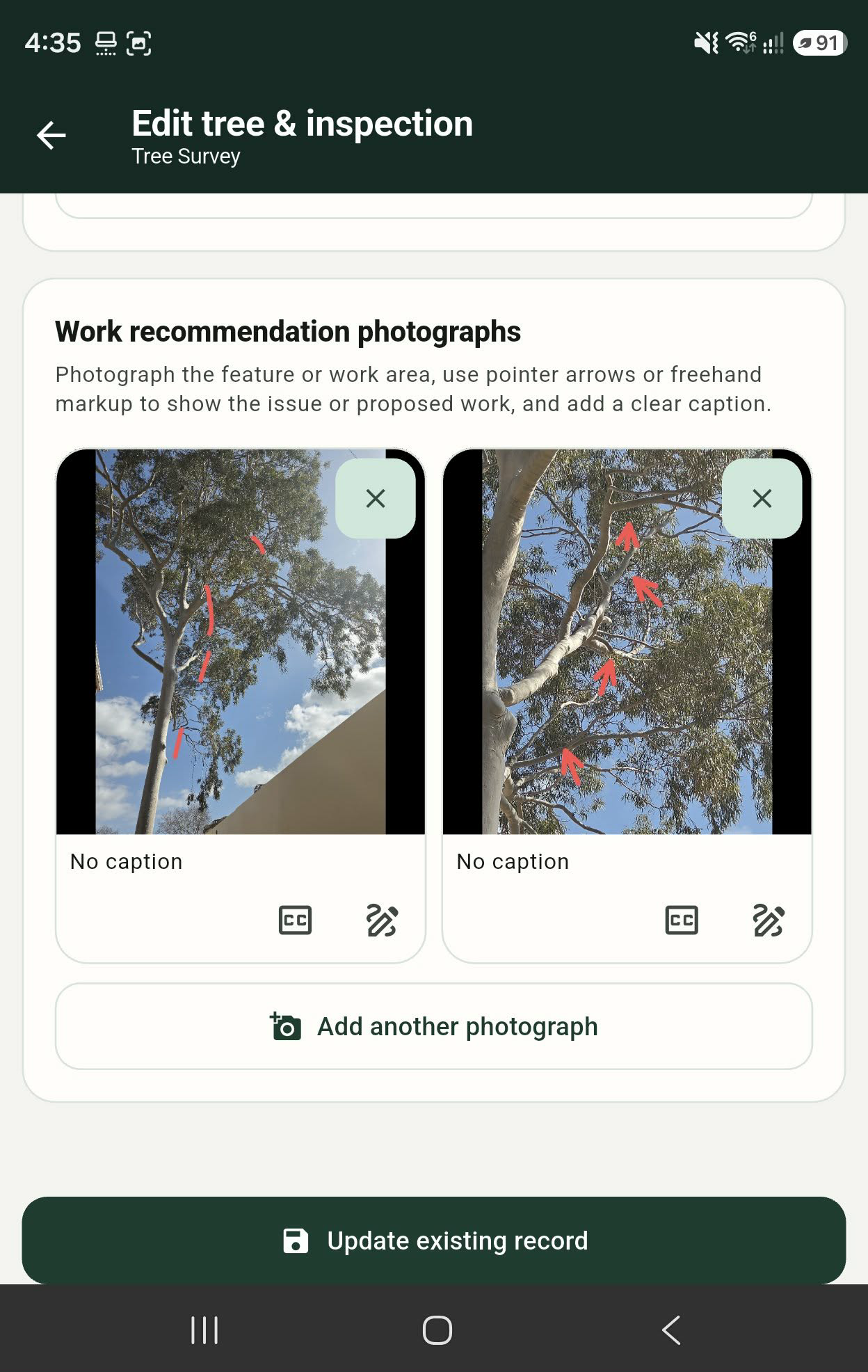
Mark up pictures showing defects or pruning recommendations on the fly.
Marker colours indicate recommended works; the internal circle indicates the priority of works.
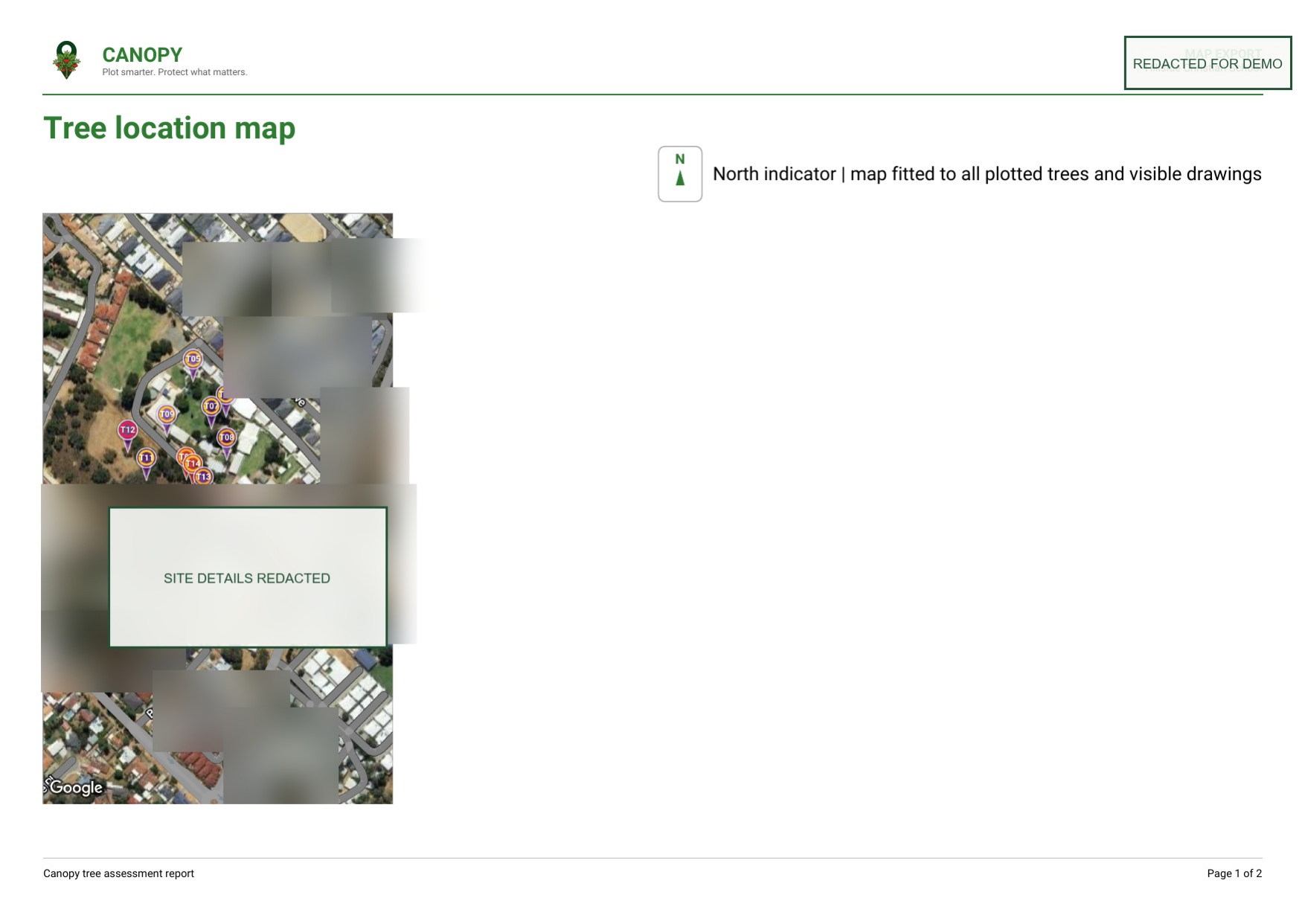
Export map and PDF report directly to the client, or use them with your own reporting format to form a larger report.
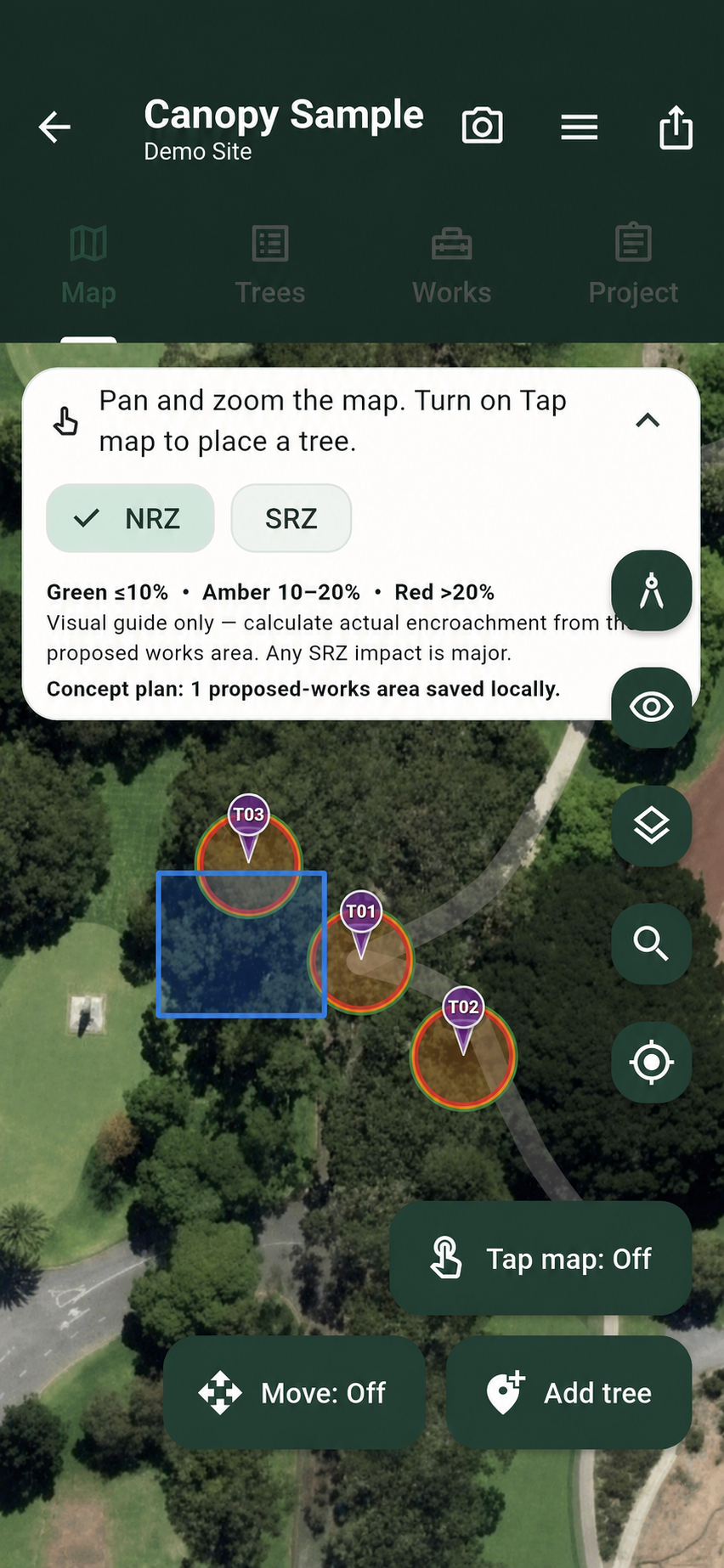
Sketch impact footings (NTS) to calculate approximate incursion.
NRZ incursion levels are shown with traffic-light colouring.
Real Canopy app screens, field photographs, mapped tree data and anonymised export examples.
Built to travel
Canopy is being prepared for international field teams, with country profiles, measurements and local context being expanded as the product develops. Use the flag in the top navigation to translate this website.
See language supportBuild a living tree register with species, dimensions, condition, photos, notes and inspection history—all captured once and ready to use again.
Turn each tree into a clear decision with recommendations, works, priorities, photo markups and captions that crews and clients can understand.
Use the inventory as the source for maps, client-ready PDFs and specialist AIA work when a project needs encroachment calculations.
The inventory in action
Your survey becomes the source for inspections, recommendations, maps, schedules and client-ready reports. AIA calculations sit on top when the project needs them.
Tree detail
Photograph the feature or work area, draw arrows or freehand markup, and add a caption while the observation is fresh.
Map view
Every tree is located, numbered and assessed against the envelope, with green, amber and red rings showing the percentage impact.
Photo markup
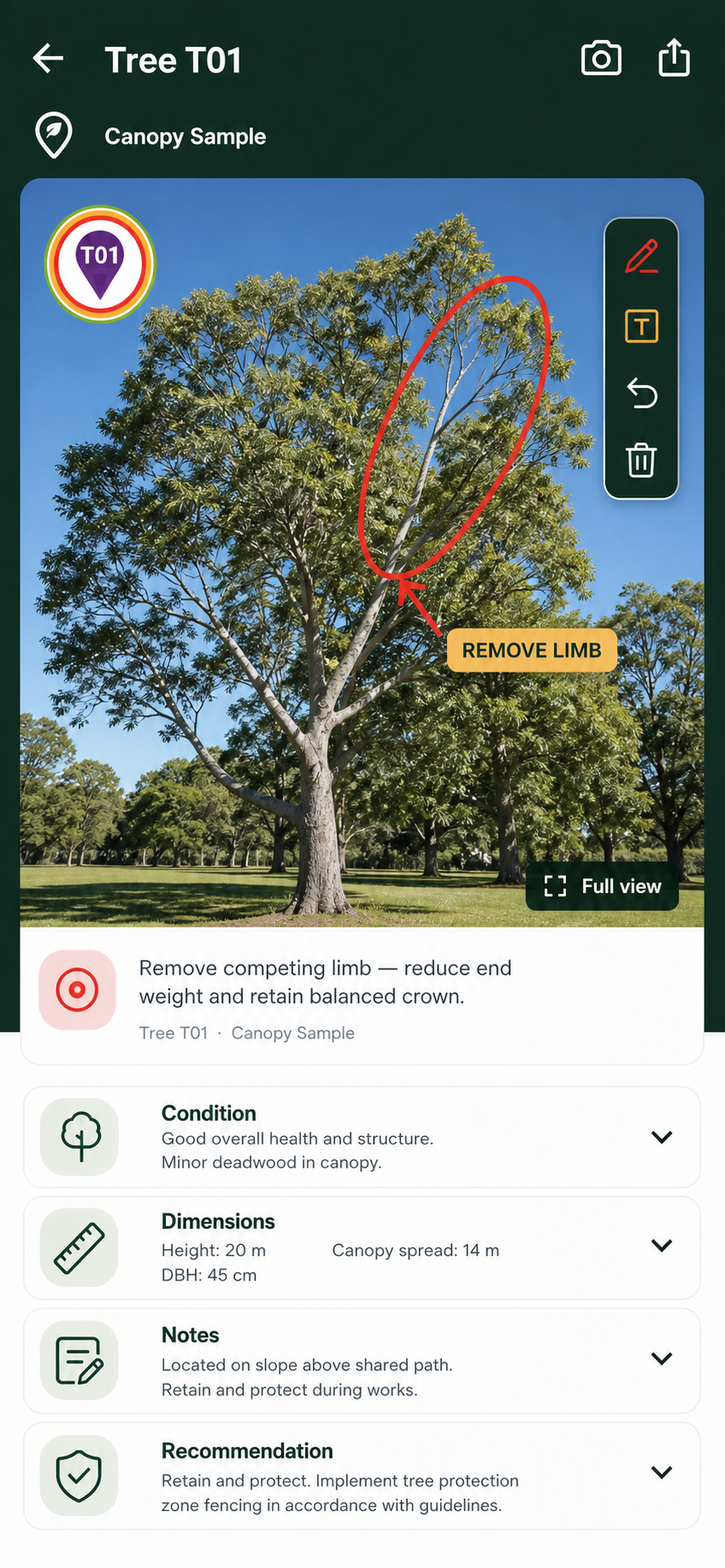
Mark up the photo, point to the limb, and add a caption while the observation is fresh.
Sample export
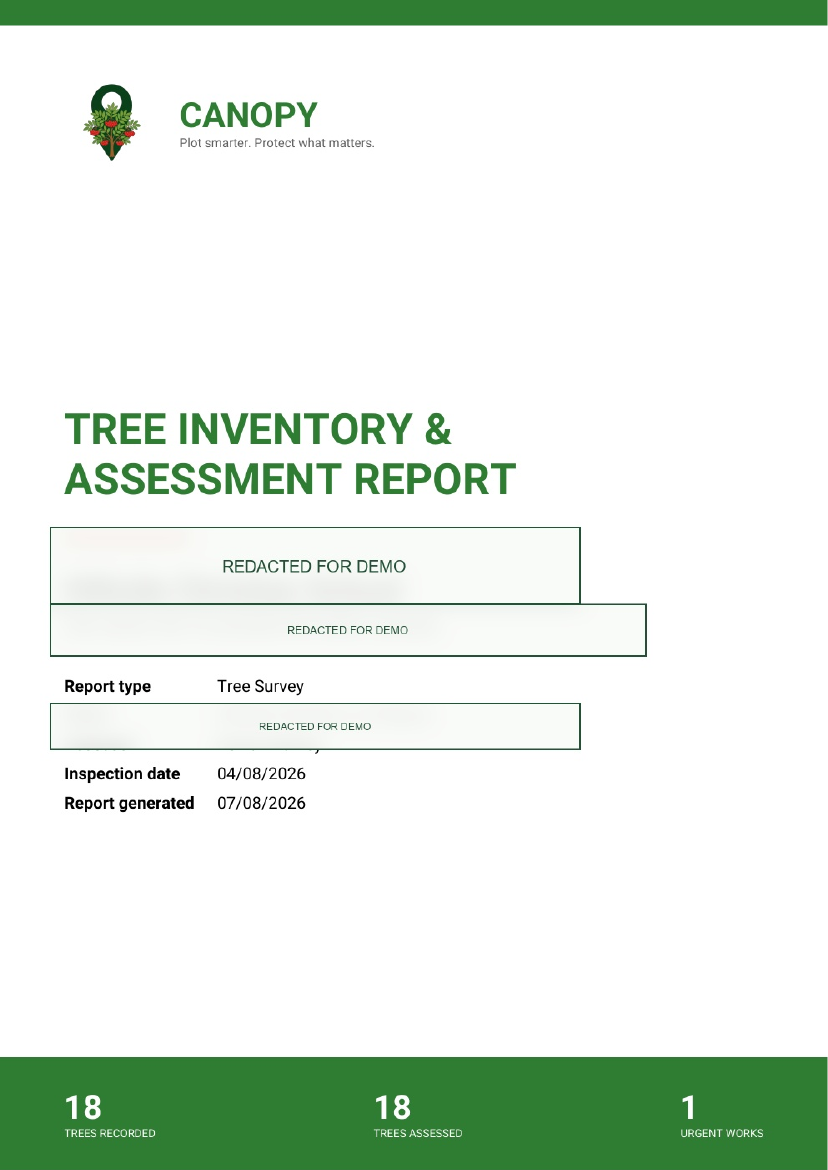
The final report carries the structured survey, priorities and recommendations into a client-ready PDF.
View anonymised reportSample export
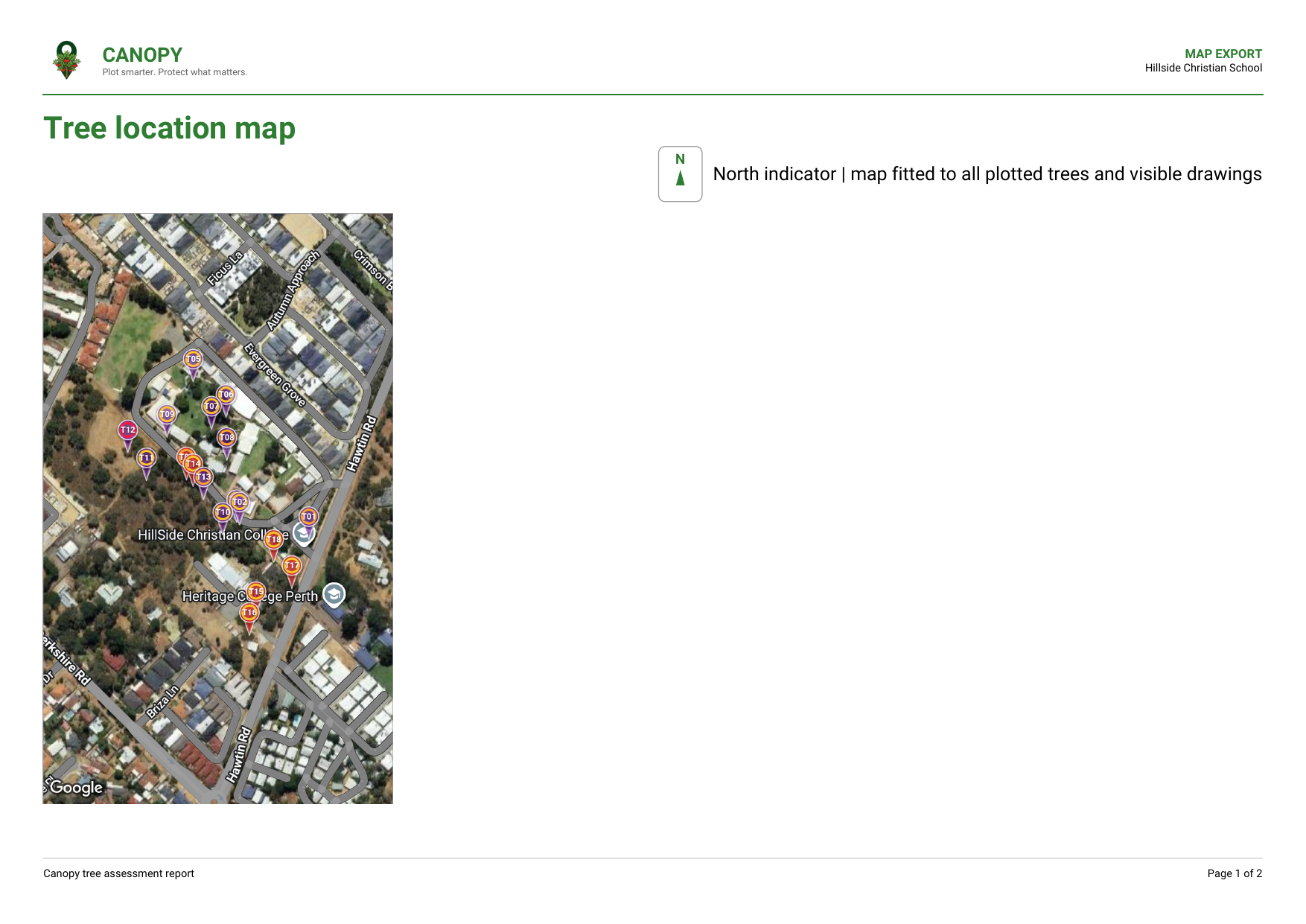
Export a fitted site map with plotted trees, drawings, a north indicator and a clear key.
View anonymised mapKeep exploring
Who it is for
Good records protect trees, clients and the people who care for both.
Canopy is designed to make that standard easier to reach on every job.
See how Canopy worksProduct conversation
Tell us what you survey, inspect or report today and we can show you where the field-to-report workflow helps.