Canopy workflow
Start with the site, not a blank spreadsheet.
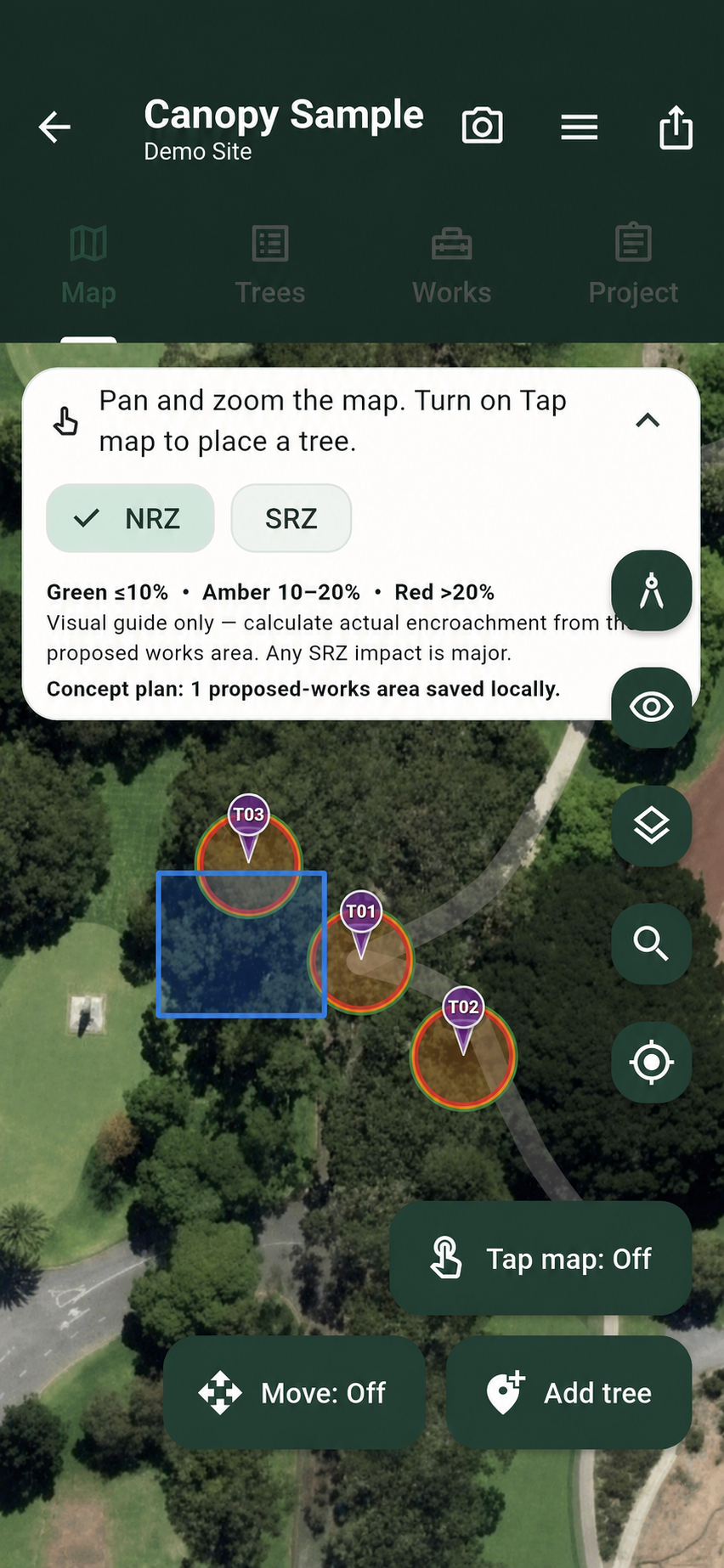
Create the project context, add the site and begin placing trees by GPS or tap. Each record can carry identity, species, dimensions, condition, photographs, notes and inspection history.
Survey and inventory
Capture the tree once, then keep the record useful for inspections, works, mapping, schedules and reports.
Canopy workflow
Create the project context, add the site and begin placing trees by GPS or tap. Each record can carry identity, species, dimensions, condition, photographs, notes and inspection history.
Canopy workflow
Use the map and tree register together. Numbered records, photo thumbnails, search and status fields make it easier to return to the right tree when the work continues.
Canopy workflow
A survey can become a repeat inspection, works program, map, schedule or client-ready PDF rather than a one-off file that needs rebuilding.
Useful answers
Canopy is designed for species, dimensions, condition, photographs, notes, priorities, recommendations and inspection history. Exact fields depend on the current app configuration.
The product includes CSV import and export so existing tree schedules can be brought into a structured workflow, subject to the supported column mapping.
Yes. The same structured records can feed maps, schedules and branded PDF reporting.
Product conversation
Tell us what you survey, inspect or report today and we can show you how the workflow maps across.