Canopy workflow
Open one tree and see the full context.
The tree record keeps the inspection context, photographs, observations, dimensions, notes and recommended work together.
Inspection and reporting
Open a specific tree, record what matters, mark up the evidence and carry the reasoning into a report your client can act on.
Canopy workflow
The tree record keeps the inspection context, photographs, observations, dimensions, notes and recommended work together.
Canopy workflow
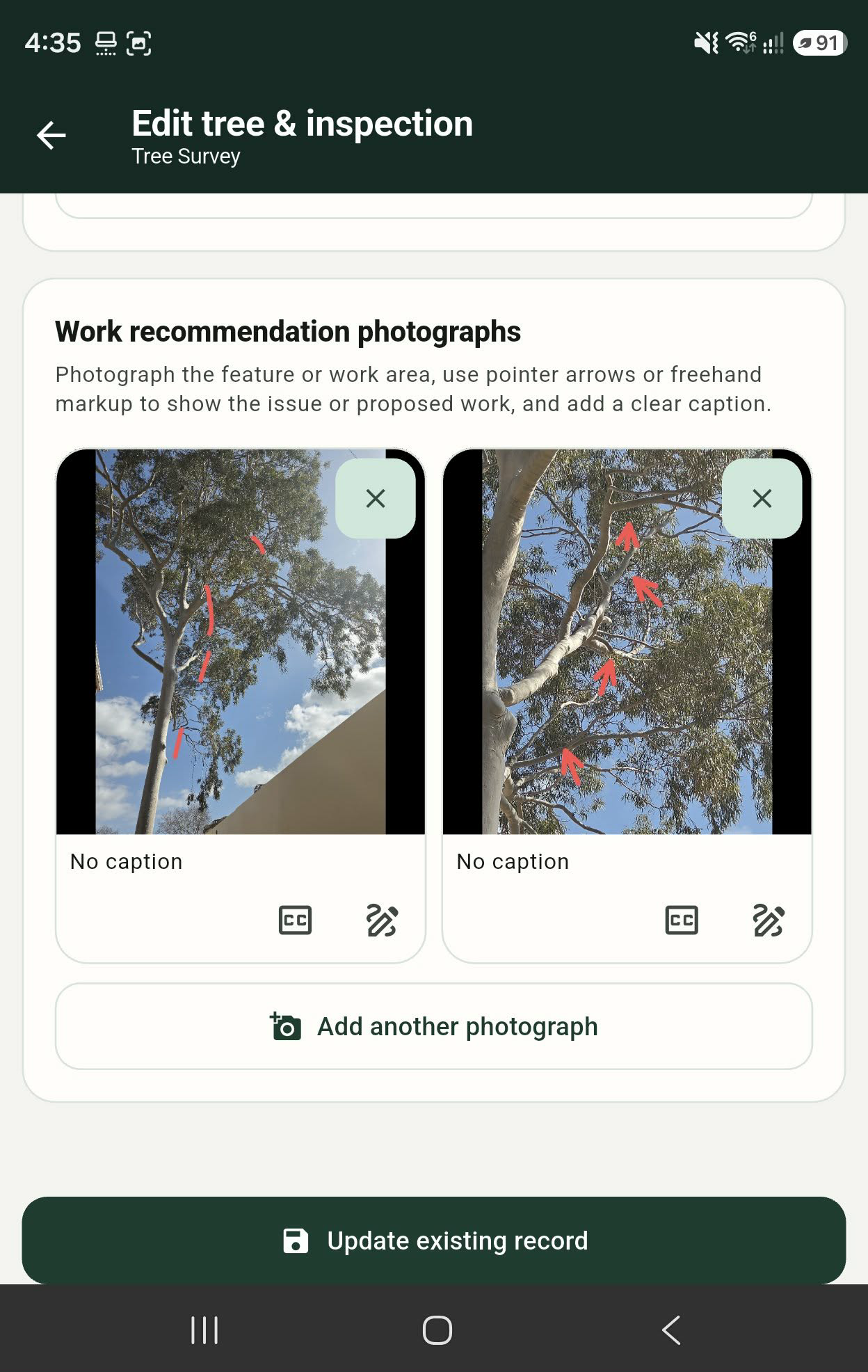
Mark up a photograph, indicate a limb or area of concern, and add a caption so the recommendation remains understandable away from the site.
Canopy workflow
Use the structured record to build schedules, summaries, photographs and client-ready PDF outputs. Keep the source data available for the next inspection.
Useful answers
The product includes photo markup and captions for recording recommendations such as limb removal or pruning observations.
The works and priorities module supports outcome and priority records so recommendations can be organised for follow-up.
No. Canopy is a fieldwork and reporting toolkit. Professional interpretation, recommendations and sign-off remain with the responsible practitioner.
Product conversation
Tell us what you survey, inspect or report today and we can show you how the workflow maps across.